Don't read.
Listen.
PDFs, ebooks, articles and notes: Voxa reads them all in a natural voice and highlights each word as it goes. For studying, commuting or when your eyes need a break.
No internet needed · No account · Your documents stay on your phone
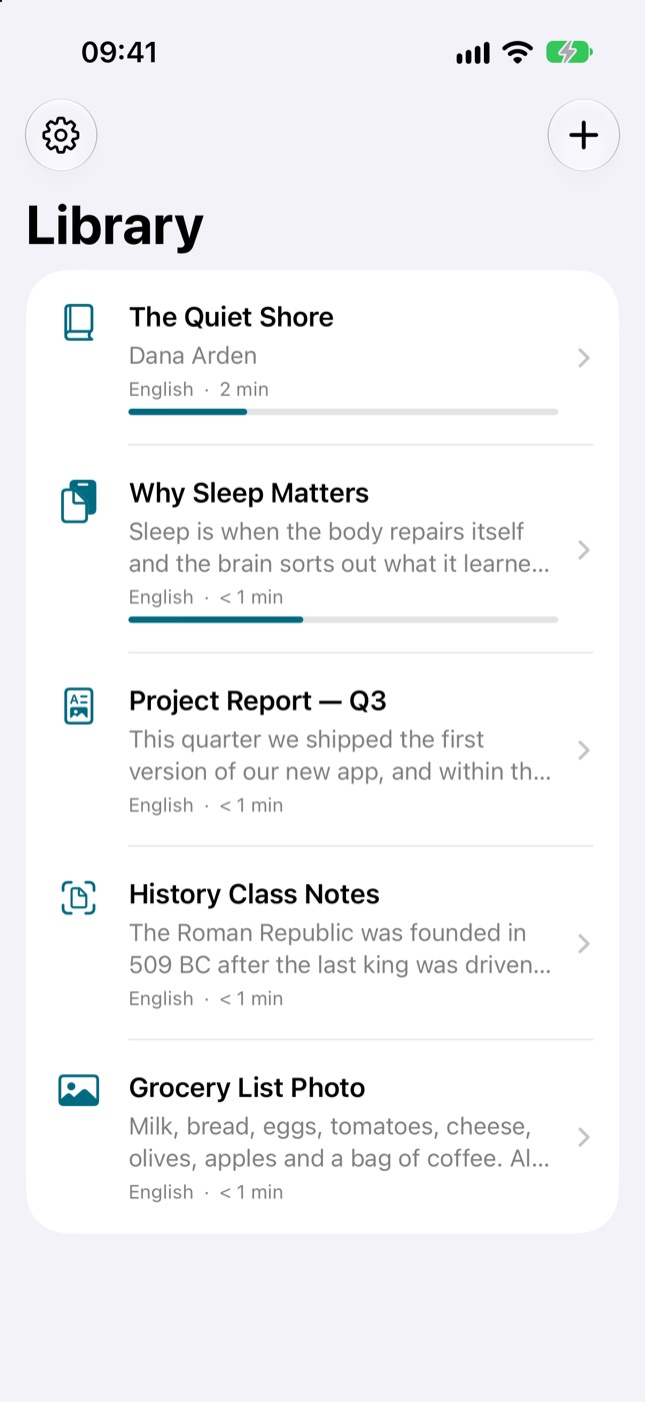
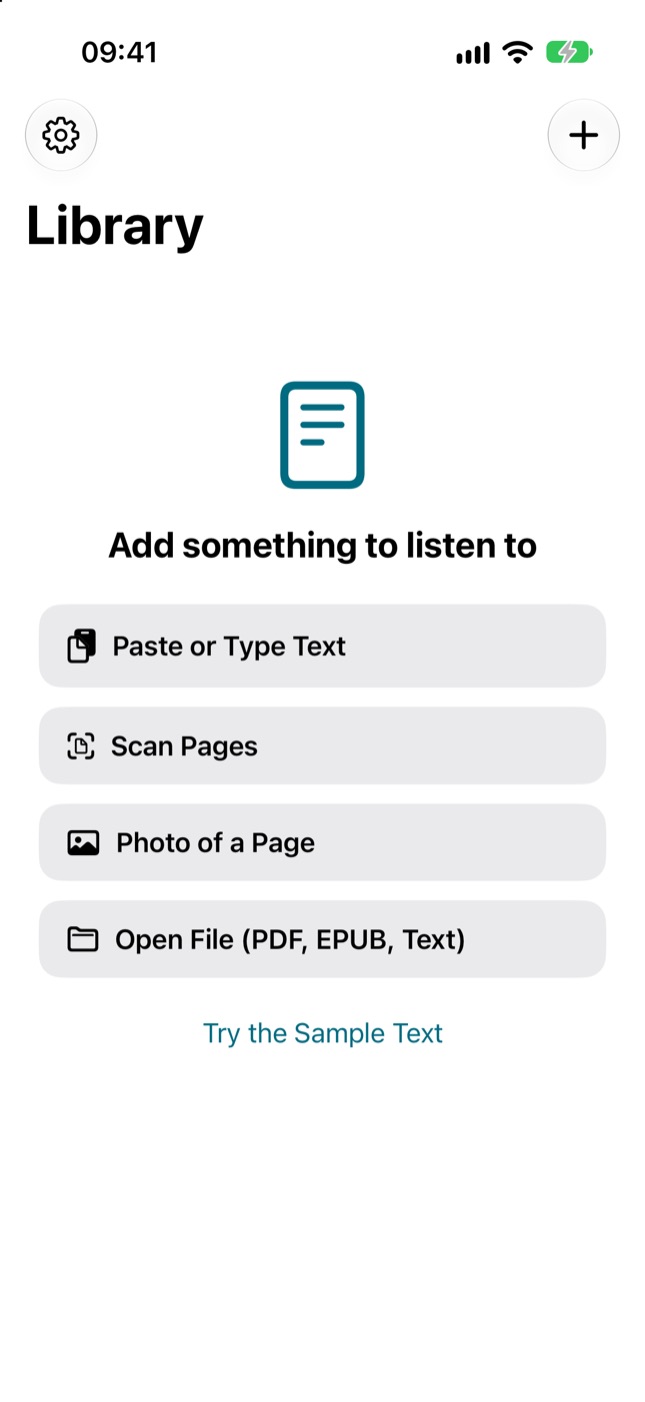
Add, play, listen
Your first page is playing in three taps.
Bring your text
Open a PDF or EPUB, paste text or snap a photo of a book page.
Press play
Voxa detects the language and picks the best voice. Set the speed from 0.5× to 3×.
Pick up where you left off
Keeps reading with the screen off. Tomorrow, it resumes from the exact sentence.
Everything that makes reading easier
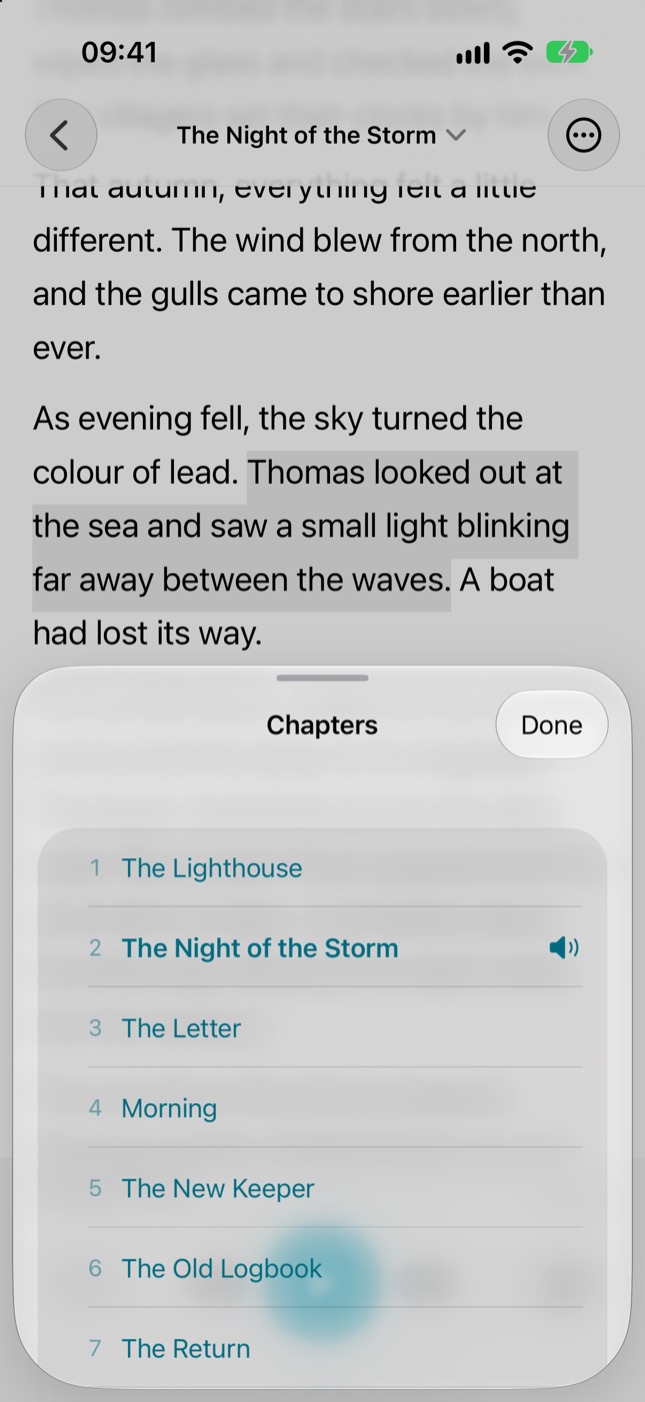
Ebooks by chapter
Chapter list for EPUB books; jump to any chapter.
Clean PDF reading
Skips page numbers and repeated headers and footers; reads just the text.
Scan with your camera
Printed book or handout: snap a photo and Voxa reads it.
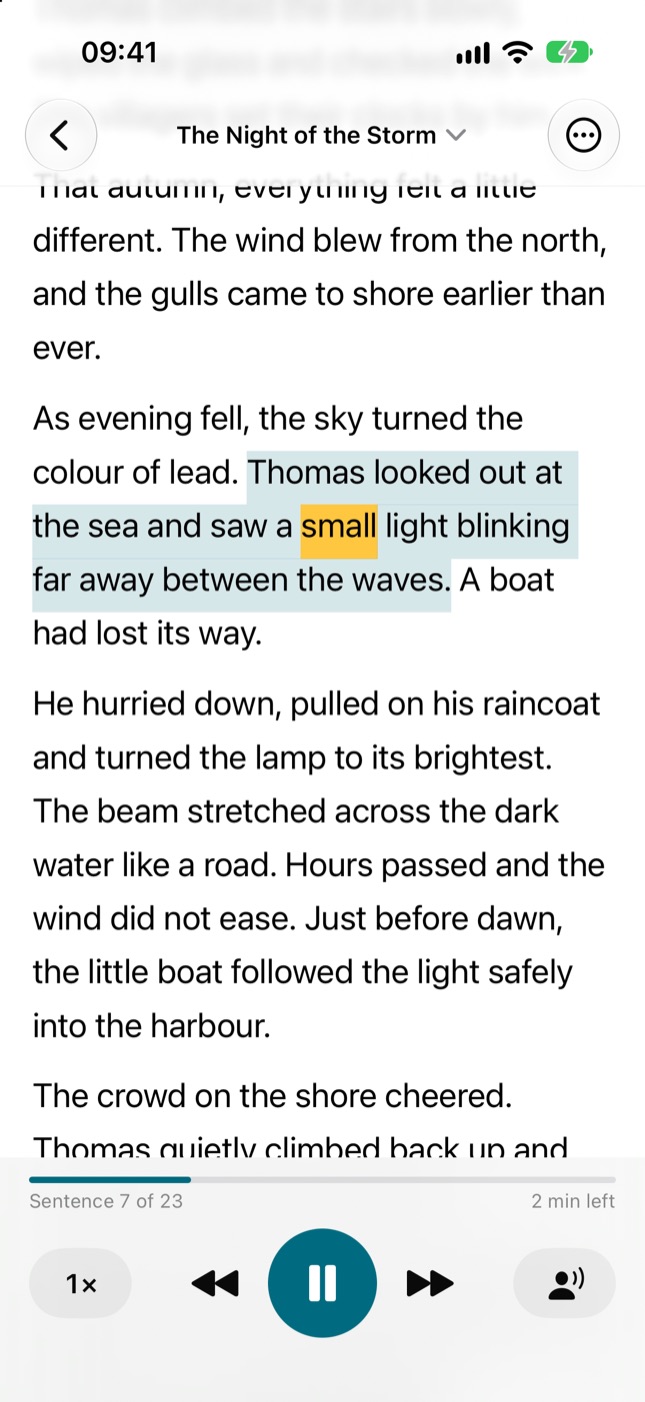
Word-by-word highlighting
Follow along word by word. Tap any sentence to start from there.
Listen from the Lock Screen
Keeps going with your phone in your pocket; pause from the Lock Screen.
Save as audio
Turn a chapter into an audio file and listen anywhere.
Take a look
A tenth of what others charge
Free
- 3 documents
- First 2,000 characters of each
- 3 camera scans
Pro
$9.99/year
- Unlimited documents and length
- Unlimited scans
- Export as audio files
3-day free trial. Similar apps cost over $100 a year.
Questions you might have
What files can I open?
PDF, EPUB, plain text, text copied from web pages, and photos.
Does it sound robotic?
Voxa uses the best voices on your iPhone. Download the free “Enhanced” voices in Settings and it sounds far more natural; Voxa shows you how, step by step.
Does it work offline?
Yes. Reading, scanning and language detection all happen on your phone.
Is it good for dyslexia?
Word highlighting and adjustable speed are made for exactly that. Following the text while listening makes reading easier.
How do I cancel my subscription?
On your iPhone: Settings › your name › Subscriptions › Voxa.
Your reading list is waiting
Finish a chapter tonight, by ear.
Coming soon to the App Store